5 Things I Check Before Calling a REST API Test Good Enough
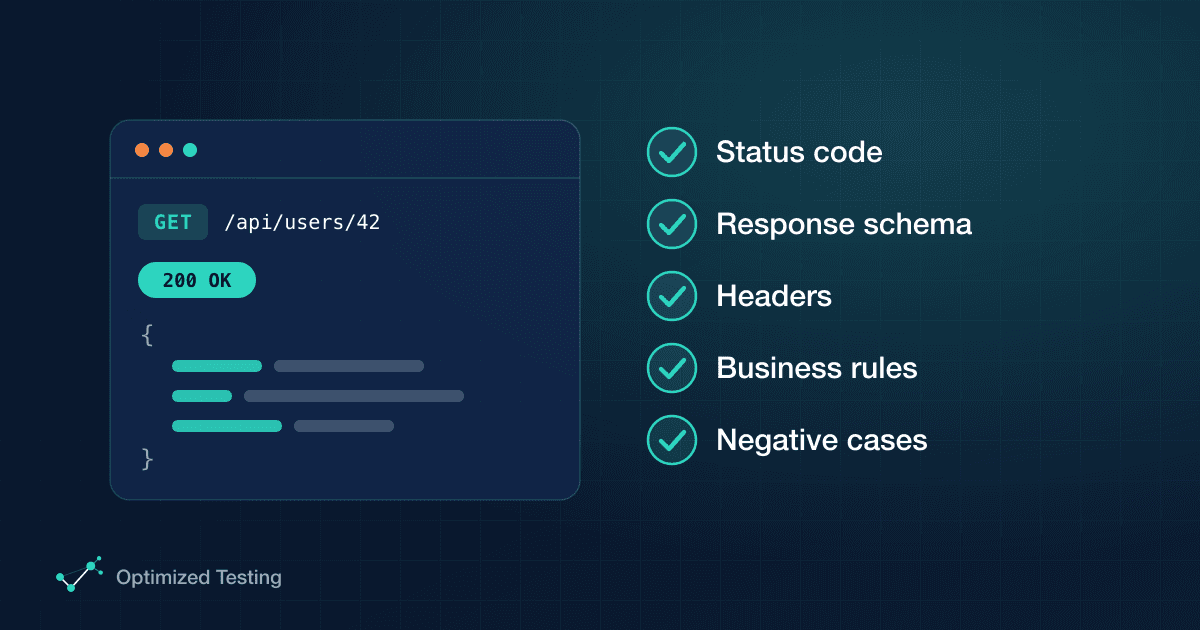
Every time I test a REST API endpoint, there are five things I check before I'm willing to say the test is good enough. A green status code isn't one of the five on its own. It's only the first.
In this post, I'll walk through all five using a real endpoint, and show what each check looks like in practice.
The endpoint we'll test
The example comes from the Modern Testing Lab API. Its specification lists the controllers and their operations, where each operation is a combination of a method and an endpoint. We'll focus on this one:
GET /api/products
It lists the products available in the API. The developer implemented a few query parameters for it, which work as filters on the result: page, limit and q (a search by name).
The specification also documents the possible responses:
- 200: a paginated list of products, returned as JSON.
- 400: returned when one of the query parameters is invalid, with a different body from the success one.
To actually exercise the endpoint, I use a tool like Postman. It lets me play with the parameters, send the request, and inspect the status code, body and headers of the response.
1. The status code
The first check is the obvious one, but do it for every status code the spec promises, not just the happy one.
Sending a valid request returns 200. That's half the job. The spec also says invalid query parameters should return 400, so I need to prove that too. The easiest way is to pick a parameter I know how to break. For example, I send a letter where page expects a number:
GET /api/products?page=A
The API answers with 400 Bad Request. Now both documented status codes are covered.
2. The response body schema
A response can look right and still be wrong. So I compare the body I got, field by field, with the schema in the specification.
For the 400 response, the spec says the body is an object with an error attribute. error is itself an object with three attributes:
{
  "error": {
    "code": "string",
    "message": "string",
    "details": {}
  }
}
code is a string, message is a string and details is an object. The actual response matched on every field.
The 200 response has a different schema, so it needs its own check. I reset page to a valid value, send the request again and compare:
{
  "data": [
    {
      "id": "string",
      "name": "string",
      "category": "string",
      "price": 0,
      "stock": 0
    }
  ],
  "meta": {
    "page": 0,
    "limit": 0,
    "total": 0
  }
}
data is a list of objects where id, name and category are strings and price and stock are numbers. meta has page, limit and total, all numeric. It matches what the spec promises.
3. The response headers
The spec says this endpoint returns the media type application/json. In practice, that means the response must include this header:
Content-Type: application/json
In Postman, the Headers tab of the response confirms it. If the spec documents other headers (caching, pagination, rate limiting, CORS), I check each of them the same way: send the request and confirm the value is the one I expect.
4. The business rules
This is where tests start to say something about the product, not just the protocol.
The Product Owner defined a rule: whoever uses this operation can filter products by name using the q query parameter. So I test it:
q=test→ every product returned must contain "test" in its name (e.g. "Testing…", "Load Test…").q=API→ only one product contains "API", so only one comes back.q=s→ all three products contain the letter "s", so all three come back.
There's a second rule: limit must be a number between 1 and 50. This is a good place for a test design technique. With equivalence partitioning, the range splits into three partitions:
| Partition | Example value | Expected result |
| --------------- | ------------- | ------------------------------------- |
| Valid (1 to 50) | 3 | 200, exactly 3 products returned |
| Invalid (< 1) | 0 | 400 Bad Request with a clear message |
| Invalid (> 50) | 51 | 400 Bad Request with a clear message |
5. The negative cases
The last two rows of that table are the fifth check: I don't test only the happy path.
Sending limit=0 and limit=51 should both be rejected with 400 Bad Request. And it's not enough to get the error. The message should clearly say what's wrong, so whoever consumes the API can fix the request without guessing.
I also cover the boundaries of the valid range. limit=1 and limit=50 should both work and return exactly what's expected. Off-by-one bugs live right at those edges.
Wrapping up
In the previous class, we talked about why you shouldn't test only the status code. This one covered the other four checks that make an API test meaningful:
- The status code, for every response the spec documents
- The response body schema
- The response headers
- The business rules
- The negative cases and boundaries
Is that everything worth testing in an API? No. There's more, and we'll keep building on it progressively in the next classes.
This post is based on a class from our YouTube channel. Watch it, then take the quiz on Optimized Testing Learning. Score well, and you can download the class materials.
Want help putting this into practice?